
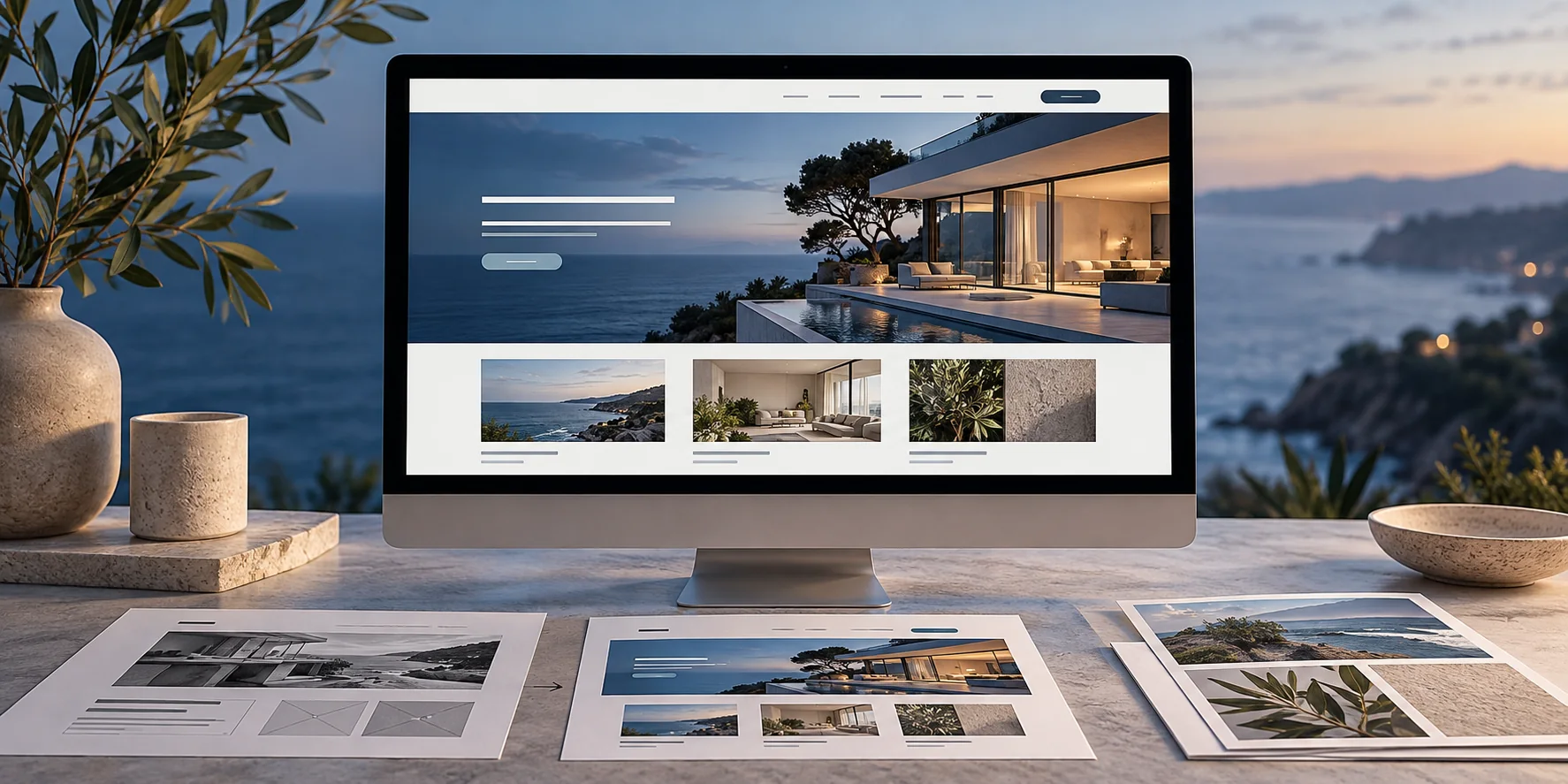
Inventory the site before changing its appearance
A redesign changes more than colors and page layouts. Existing URLs may already appear in search results, bookmarks, social posts or customer messages. Begin with a list of current pages and note the purpose of each one. Include service pages, useful articles, contact destinations and downloadable resources.
Where available, review search and inquiry information to identify pages people use. Add details that are easy to overlook, such as a form destination, an appointment link or a document sent by staff. The inventory becomes a working record of what the new website needs to preserve, improve or retire.
Decide which pages should keep their addresses
A useful URL does not need to change simply because the design is new. For each existing page, decide whether its purpose remains the same, belongs with another page or is no longer relevant. Confirm the content decision before selecting a replacement address.
Suppose an old page explains two services that now need separate assessments. Plan both new destinations and decide which one most closely answers the old page’s main purpose. A URL decision should follow the visitor’s likely need, rather than an arbitrary naming preference.
Prepare a relevant redirect map
When an address changes permanently, document its corresponding destination and have the developer implement an appropriate permanent redirect. Each mapping should connect related content. Sending every retired page to the homepage can leave visitors without the information they expected.
Test the actual old address, not just a link on the new site. Confirm that it reaches the intended page and does not pass through unnecessary intermediate destinations. Keep the map accessible to whoever maintains the domain, hosting or content platform.
Review the complete launch configuration
Check titles, main headings, canonical URLs, language equivalents and internal links on the new pages. Confirm that forms, phone links and inquiry confirmations work. If the redesign includes English and Spanish, test the corresponding language page rather than returning every language switch to the homepage.
A staging site may have indexing restrictions while it is being reviewed. The production launch needs its own deliberate check of these settings. Publishing the design and preparing the site for discovery are separate tasks that should both appear in the launch scope.
Keep a review period after publication
Google notes that significant site changes can produce temporary search fluctuations while URLs are processed. A migration plan reduces avoidable mistakes; it cannot promise that every ranking or visit will remain unchanged. Agree in advance on who will monitor the launch and respond to problems.
After launch, review broken destinations, important customer paths and available Search Console information. Compare changes over a meaningful period and keep a record of fixes. A completed redesign includes a usable handoff, not only a new screenshot of the homepage.
Official references
Google’s documentation supports the platform guidance discussed above. The planning examples and recommendations are editorial guidance from MGA Nexus Marketing.
Google Search Central: site moves ↗Google Search Central: redirects ↗Continue reading
How to write service pages that help customers decide →Redesign or improve? Start with the website’s job. →Need help applying this to your business?
Request a Consultation