
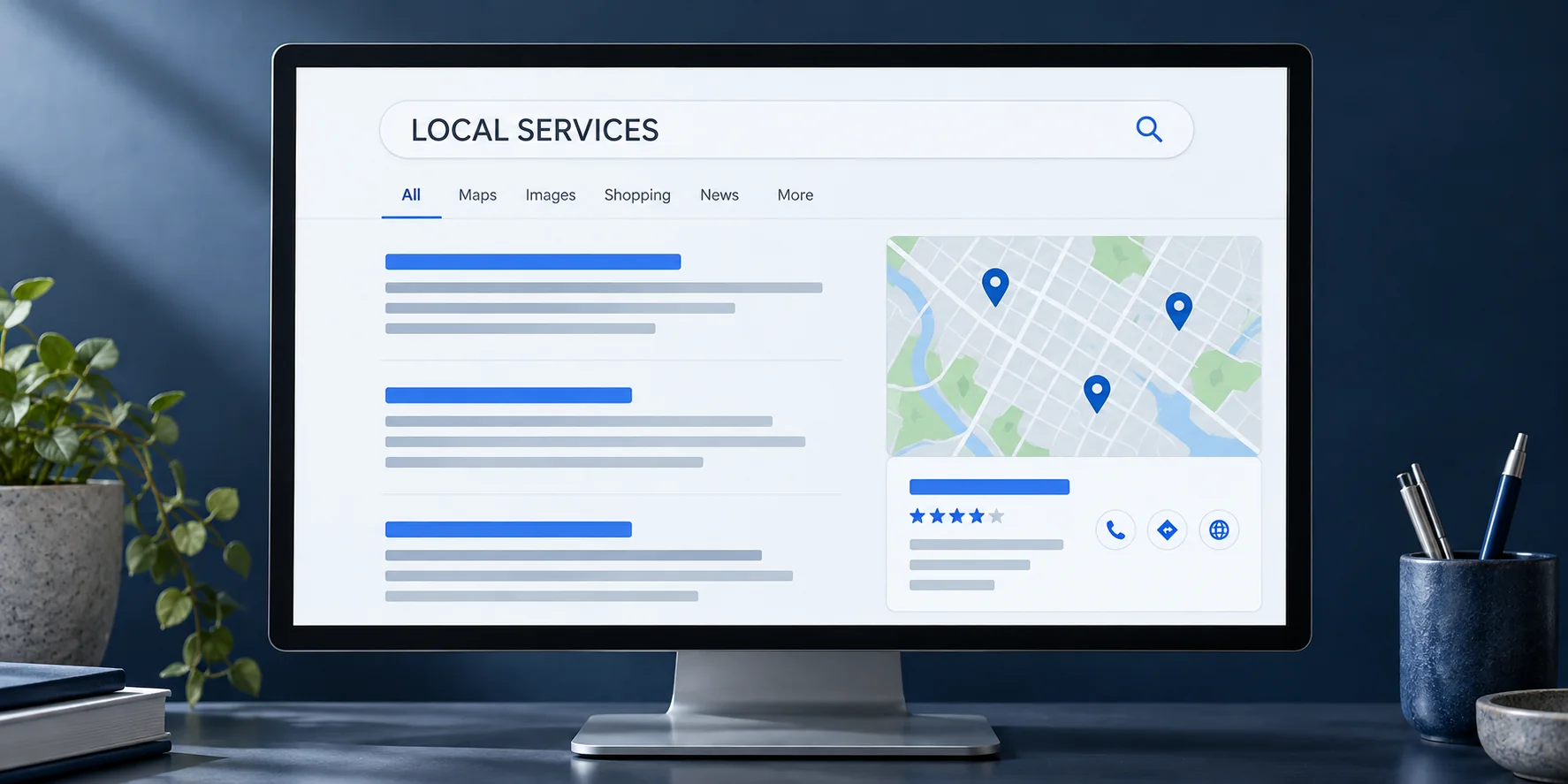
Make the profile match the business customers will encounter
Start by comparing the profile with your current operation. Are the phone number, hours, website and service descriptions still useful? Assign a person to review these details whenever the business changes its availability, offer or contact process. Keeping a record of access ownership also makes future updates easier.
Treat the profile as part of the customer journey. A person who selects the website link should arrive at information that helps them continue, rather than an unrelated promotion. Review that destination on a phone and confirm the inquiry reaches someone who can respond.
Represent the location and coverage accurately
Describe the way you actually serve customers. Google distinguishes businesses that receive customers at their address from service-area businesses that visit or deliver to customers. Review the applicable address and eligibility guidance before editing the profile, particularly when working from home or using a shared location.
A list of communities you serve is different from a list of staffed offices. Keep that distinction clear on the website as well. If a proposed change involves a new address, business name or category, confirm the facts and account implications before making several changes at once.
Choose a natural moment to request feedback
Build a review request into a real customer milestone, such as completion of the agreed work. Give the responsible team member a simple, neutral message and the correct review link. The request should invite an honest account of the experience rather than prescribe a rating or wording.
Google prohibits incentives for reviews and selectively soliciting positive reviews. Do not offer a discount for a favorable rating or direct only satisfied customers to the public review link. Apply a consistent approach and allow customers to decide whether they want to participate.
Respond with useful context and appropriate discretion
A response can acknowledge the experience and explain a practical next step. Avoid copying the same promotional paragraph into every reply. Where a concern needs investigation, invite the customer to an appropriate private channel without publishing account details, private conversations or sensitive personal information.
For example, if someone reports a scheduling problem, a public response can acknowledge the concern and provide a way to review it. Resolve the underlying issue through the business process. A review response is not the place to argue about a customer’s private history.
Connect feedback with an improvement your team can make
Review recurring questions and concerns with the person responsible for the service. If customers repeatedly misunderstand a requirement, the website, confirmation message or initial explanation may need attention. Record the specific change and who will maintain it.
A monthly routine could combine a profile-information check, review responses and one service-content improvement. The right frequency depends on your operation and available staff. This approach makes reputation work part of customer care, rather than a campaign to accumulate a particular number of stars.
Official references
Google’s documentation supports the platform guidance discussed above. The planning examples and recommendations are editorial guidance from MGA Nexus Marketing.
Google Business Profile: business guidelines ↗Google Business Profile: requesting reviews ↗Continue reading
Local SEO for Ventura and Santa Barbara businesses →How to write service pages that help customers decide →Need help applying this to your business?
Request a Consultation